Fotoblendfotoblend

AI Create

11

Action figures, Ghibli, cartoons

Virtual Try-On

6

Hairstyles, outfits, aging

Headshots & ID

10

LinkedIn, resume, passport photos

AI Editing

12

Upscale, restore, remove BG

Business & Marketing

6

Product photos, thumbnails

Photo Utilities

8

Compress, resize, convert, crop

View all 53 tools
Studio✨Pricing

Gallery

Showcase & inspiration

Blog

Tips, guides & updates

Pricing

Plans & credits

Product

All ToolsStudio✨Pricing

Resources

GalleryBlog
HomeToolsAI Alive Image to Video

AI Alive Image to Video

Make still portraits blink, breathe, and animate with AI. Turn your photos into short moving videos.
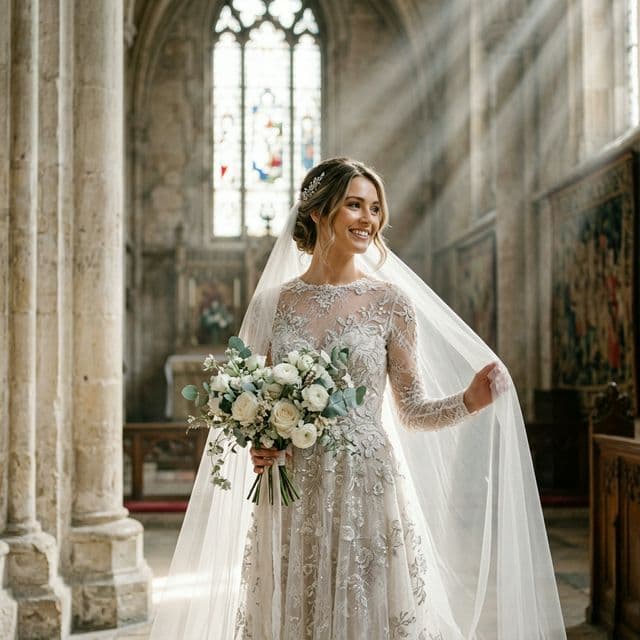
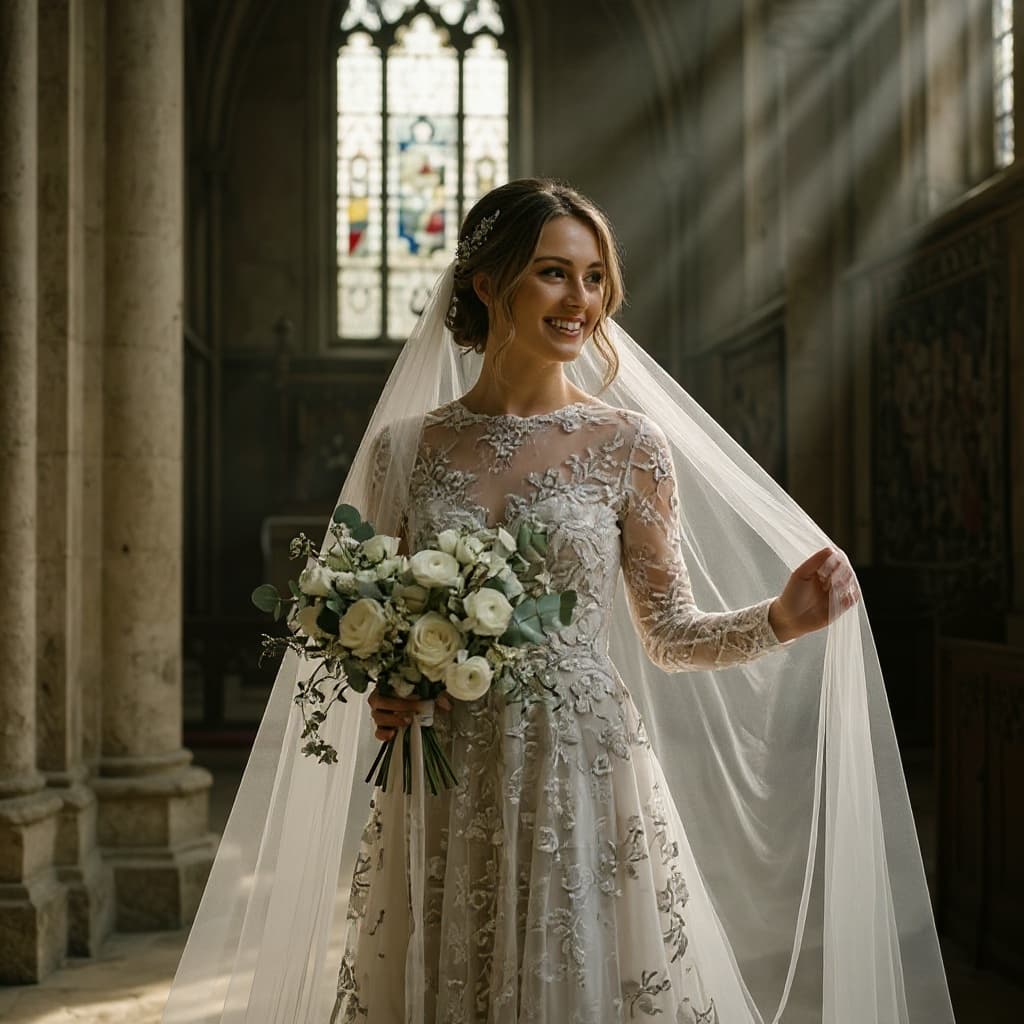
Bring memories to life.

Instantly convert static memories into beautiful, breathing loop animations.

How It Works

Three simple steps to transform your photos.

Step 01

Upload

Drop your photo or paste a link. We accept JPG, PNG, WebP, and HEIC.

Step 02

Process Instantly

Your image is processed in seconds — right in the browser or with AI.

Step 03

Download

Save the result in full quality. Upgrade for HD and no watermark.

Frequently Asked Questions

What does 'Image to Video' mean?

It takes a completely still photograph—like an old family portrait, a generated character, or an anime snapshot—and makes the character blink, breathe, and subtly move their facial muscles.

Do I have to edit the video?

No. The AI processes the image and naturally detects the subject (person, animal, etc.) and invents subtle, realistic micro-movements for a stunning 3-to-5 second loop.

Can I do lip sync?

Our core AI Alive model handles natural movement (breathing, blinking). Lip sync and voiceovers are available in our advanced Video Studio tools.

Related Tools

Explore more free tools that work great alongside AI Alive Image to Video.

AIPopular

Photo Blend

Double exposure, style transfer, scene blend, color fusion, and artistic composites from two photos

AIPopular

AI Face Swap

Swap faces between two photos with realistic AI blending

AI Photo Studio

6 Studio-Grade AI Tools

Take your photos further. Blend, remove backgrounds, upscale, erase objects, edit with text, and retouch portraits — all free.

Photo Blend

Blend two photos into stunning composites

Background Remove

Remove backgrounds with HD precision

AI Upscale

Upscale to 4K with AI super-resolution

Object Remove

Remove any object with AI precision

AI Editor

Edit photos with natural language

Portrait Retouch

Professional portrait enhancement

Explore all 45 free tools
Free Photo Tools

Try All 45 Free Tools

From AI headshots to image compression — everything you need to edit photos, all in one place.

Fotoblendfotoblend
Free ToolsPricingPrivacyTerms

© 2026 Fotoblend