Portrait Retouch
Enhance portraits with AI retouching — smooth skin, fix lighting, and bring out the best in every face.
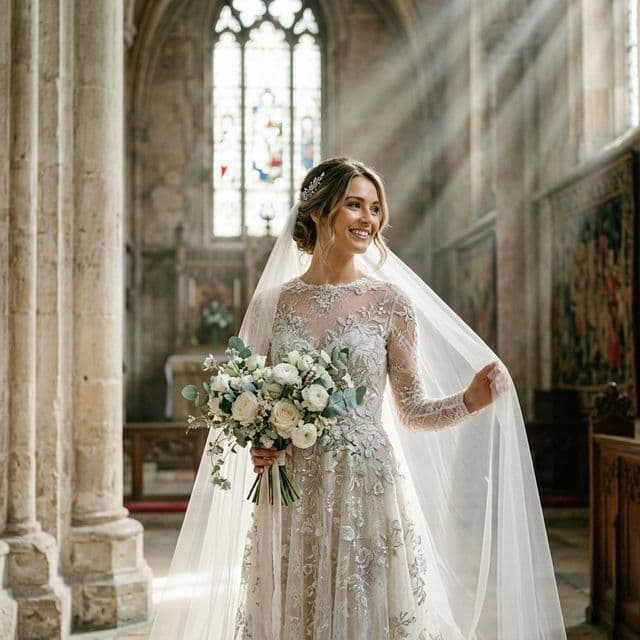
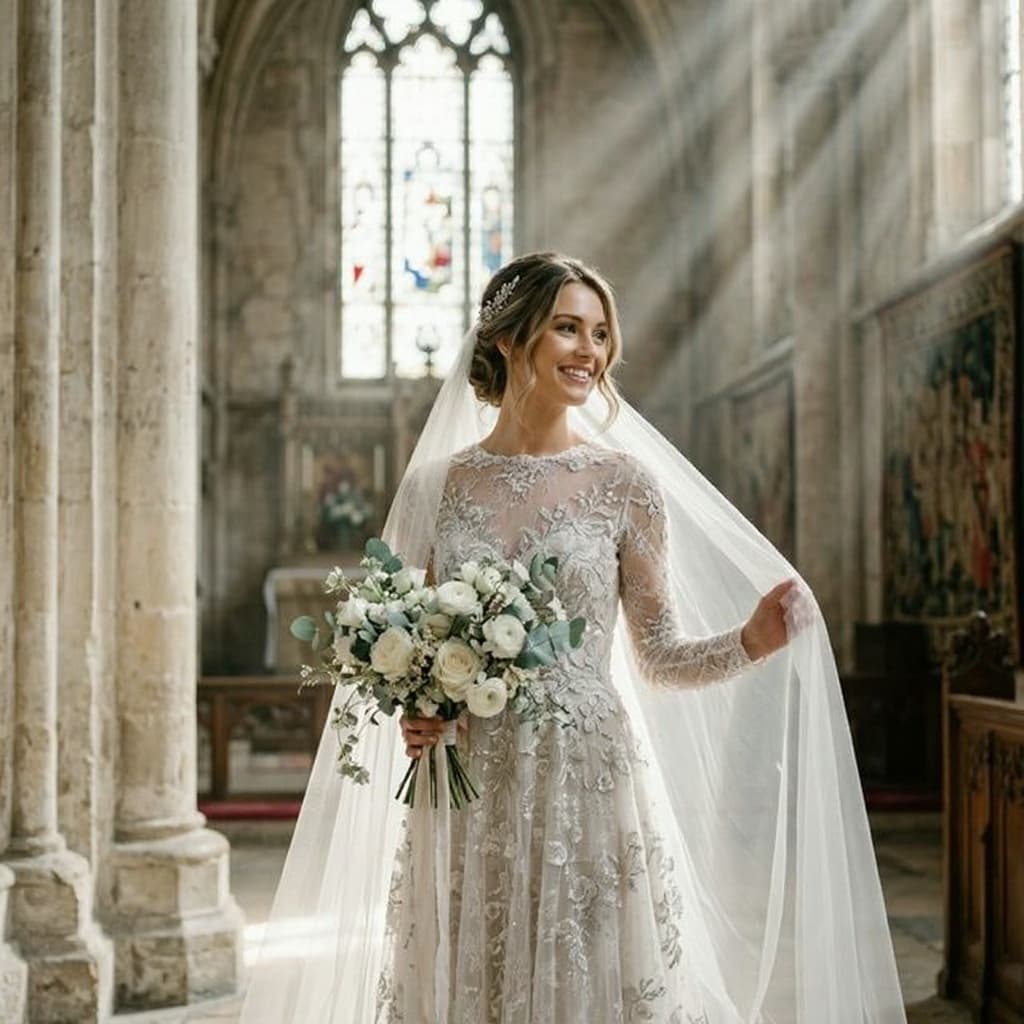
Before
Hold to see after
AI Editing2 creditsAI-powered
Tool Specs
No account needed·Free daily credits·Results in seconds
How It Works
Three simple steps to create your image
01
Upload
Drop your photo or paste a link. We accept JPG, PNG, WebP, and HEIC.
02
Process Instantly
Your image is processed in seconds — right in the browser or with AI.
03
Download
Save the result in full quality. Upgrade for HD and no watermark.
Frequently Asked Questions
What does portrait retouching include?
AI portrait retouching includes skin smoothing, blemish removal, under-eye circle reduction, teeth whitening, lighting correction, and facial feature enhancement. All adjustments are subtle and natural-looking — no plastic or over-processed appearance.
Will I still look like myself?
Absolutely. The AI enhances without altering your features. It smooths skin imperfections, improves lighting, and adds a professional polish while keeping your face, expression, and unique characteristics fully intact.
What types of photos work best?
Clear face photos with good lighting work best. Headshots, selfies, and portraits all produce excellent results. Very dark, blurry, or heavily occluded faces may have limited improvement.
Can I use this for professional headshots?
Yes! Portrait Retouch pairs perfectly with our AI Headshot and LinkedIn Photo tools. Apply the headshot first for background and composition, then use Portrait Retouch for skin and lighting polish.
Is portrait retouching free?
Yes, included free with 5 AI credits per day (2 credits per retouch). Pro plan offers 100 credits/month with 4K output for print-quality results.
Related Tools
Continue editing with more AI tools


