Fotoblendfotoblend

AI Create

11

Action figures, Ghibli, cartoons

Virtual Try-On

6

Hairstyles, outfits, aging

Headshots & ID

10

LinkedIn, resume, passport photos

AI Editing

12

Upscale, restore, remove BG

Business & Marketing

6

Product photos, thumbnails

Photo Utilities

8

Compress, resize, convert, crop

View all 53 tools
Studio✨Pricing

Gallery

Showcase & inspiration

Blog

Tips, guides & updates

Pricing

Plans & credits

Product

All ToolsStudio✨Pricing

Resources

GalleryBlog
HomeToolsAI Uncrop & Expand

AI Uncrop & Expand

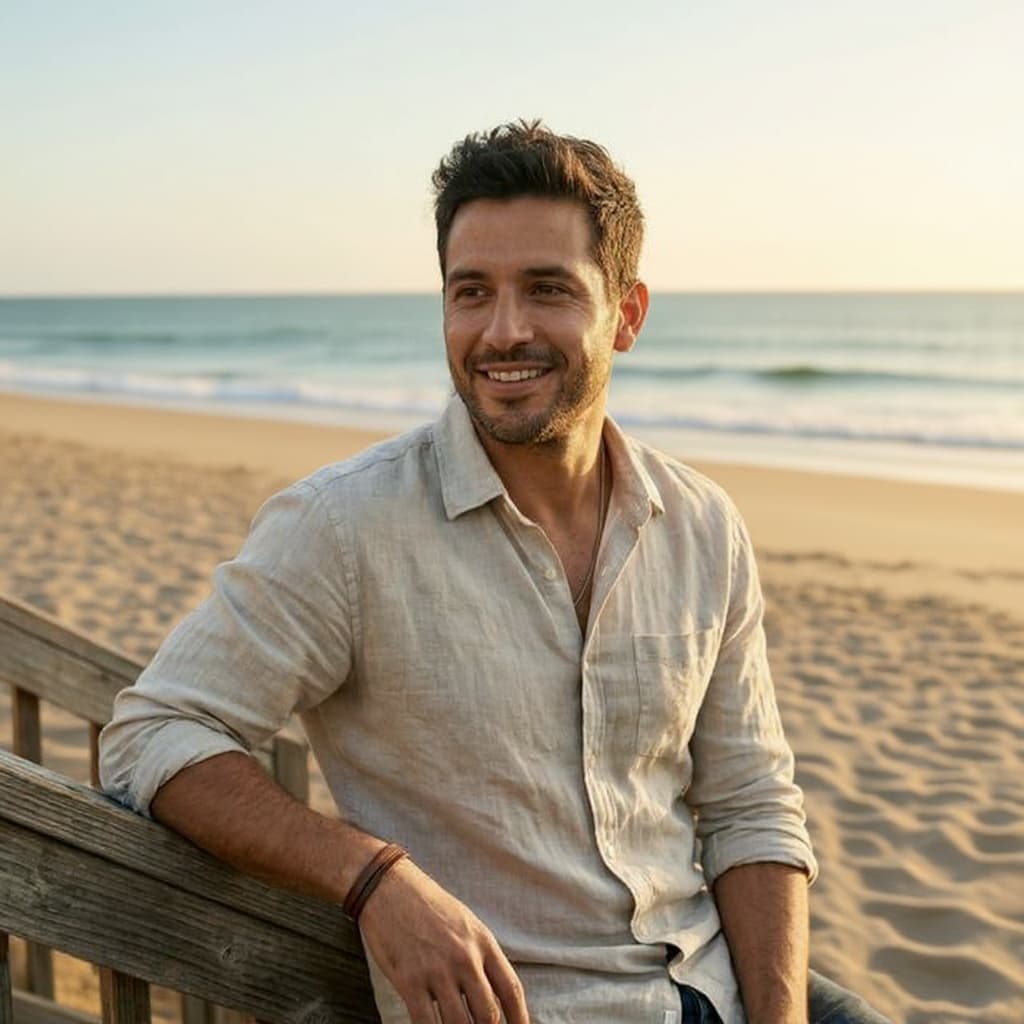
Expand vertically cropped photos into 16:9 widescreen naturally.
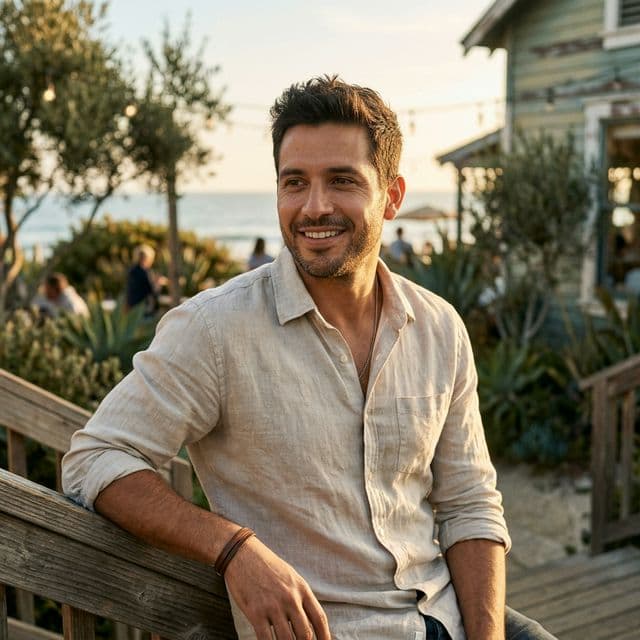
Expand the horizon.

Let the AI paint the missing surroundings of your photo instantly.

How It Works

Three simple steps to transform your photos.

Step 01

Upload

Drop your photo or paste a link. We accept JPG, PNG, WebP, and HEIC.

Step 02

Process Instantly

Your image is processed in seconds — right in the browser or with AI.

Step 03

Download

Save the result in full quality. Upgrade for HD and no watermark.

Frequently Asked Questions

What is 'uncropping'?

Also known as generative expand or outpainting, it takes a photo that is cut off (like a vertical smartphone photo) and invents the missing surroundings to expand it into a widescreen landscape format.

Does it look natural?

Yes. The AI analyzes the lighting, geometry, and textures of your original image and extends them so perfectly that the seam is entirely invisible.

Can I expand group photos or album covers?

Absolutely. It's frequently used to stretch classic square album covers into desktop wallpapers, or fix group photos that were cropped too tight.

Related Tools

Explore more free tools that work great alongside AI Uncrop & Expand.

FreePopular

Image Resizer

Resize photos to exact dimensions or social media presets

Free

Image Cropper

Crop photos to any shape, ratio, or circle

AINew

AI Editor

Edit photos with natural language — describe changes and AI makes them happen

AI Photo Studio

6 Studio-Grade AI Tools

Take your photos further. Blend, remove backgrounds, upscale, erase objects, edit with text, and retouch portraits — all free.

Photo Blend

Blend two photos into stunning composites

Background Remove

Remove backgrounds with HD precision

AI Upscale

Upscale to 4K with AI super-resolution

Object Remove

Remove any object with AI precision

AI Editor

Edit photos with natural language

Portrait Retouch

Professional portrait enhancement

Explore all 45 free tools
Free Photo Tools

Try All 45 Free Tools

From AI headshots to image compression — everything you need to edit photos, all in one place.

Fotoblendfotoblend
Free ToolsPricingPrivacyTerms

© 2026 Fotoblend